

campaign_mailing_id
Acampaign_mailing_id uniquely identifies a marketing email (campaign mailing) in Paubox Marketing. It is required when sending a campaign or scheduling a campaign, and is accepted as an optional filter on the campaign deliveries table.
To find your campaign_mailing_id:
- Log in to the Paubox Marketing dashboard.
- Navigate to Marketing Emails (Campaigns).
- Open or edit any campaign.
- Copy the value of the
id=parameter from your browser’s address bar.
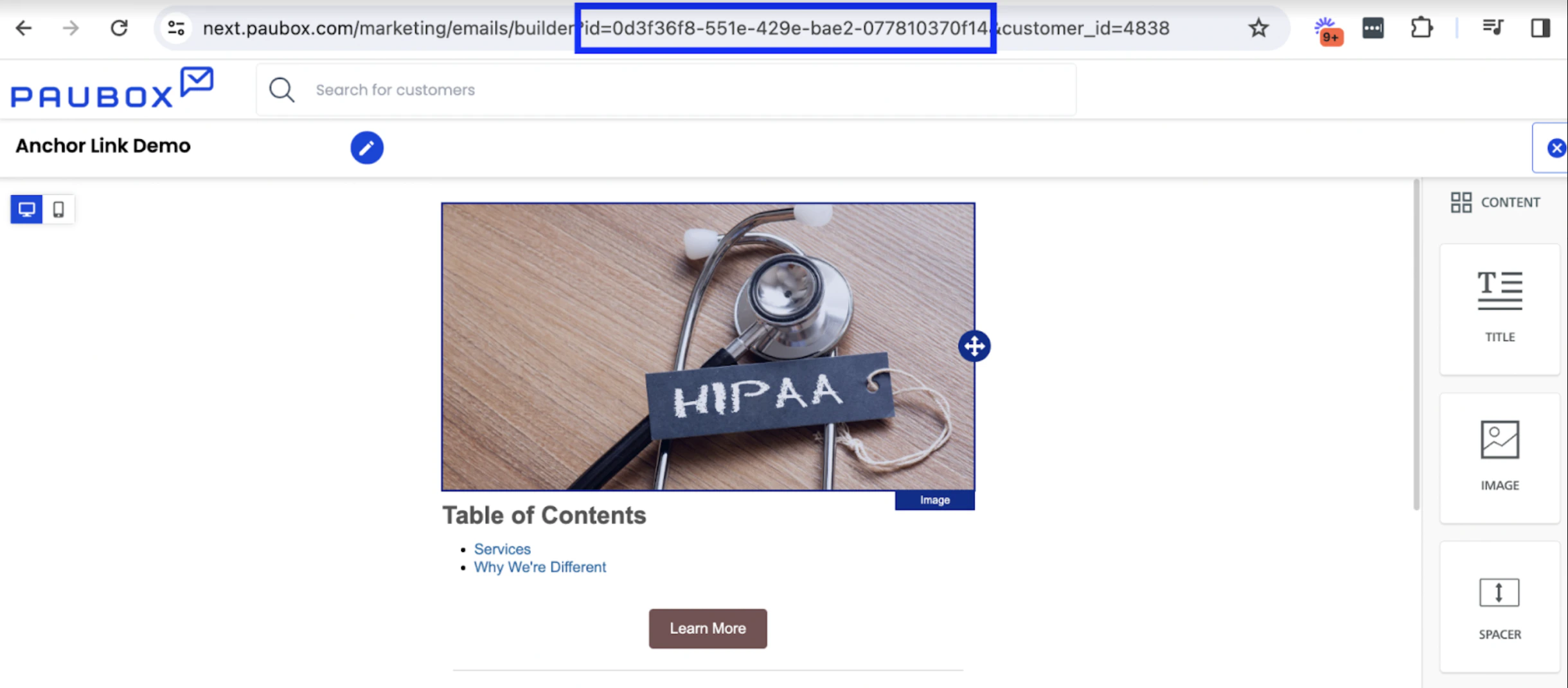
The campaign_mailing_id appears as the id= value in the URL when editing a campaign.
subscription_list_id
Asubscription_list_id uniquely identifies a subscription list. It is used when creating subscribers, listing subscribers, bulk-deleting subscribers, sending or scheduling a campaign to a specific list, updating or deleting a list, and updating a drip campaign.
To find your subscription_list_id:
- Log in to the Paubox Marketing dashboard.
- Navigate to Lists.
- Open or edit any list.
- Copy the UUID from your browser’s address bar.
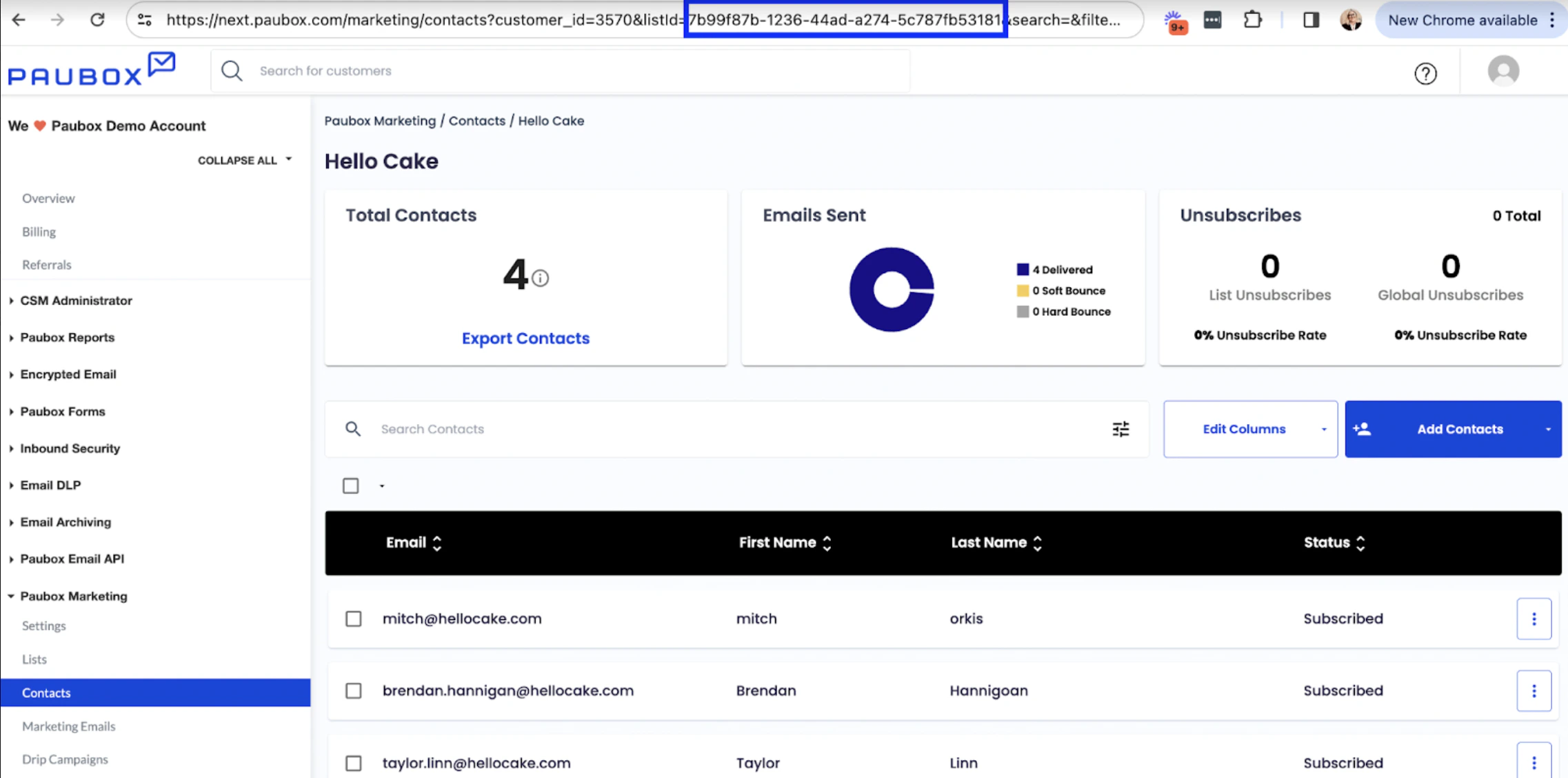
The subscription_list_id appears in the URL when viewing or editing a subscription list.
campaign_mailing_send_id
Acampaign_mailing_send_id uniquely identifies a specific send of a campaign. It is required for campaign analytics, tracking links by unique link, and subscribers by tracking link, and is accepted as an optional filter on the campaign deliveries table and when listing tracking links.
To find your campaign_mailing_send_id:
- Log in to the Paubox Marketing dashboard.
- Navigate to Analytics.
- Click a sent campaign.
- Copy the value of the
selectedId=parameter from your browser’s address bar.
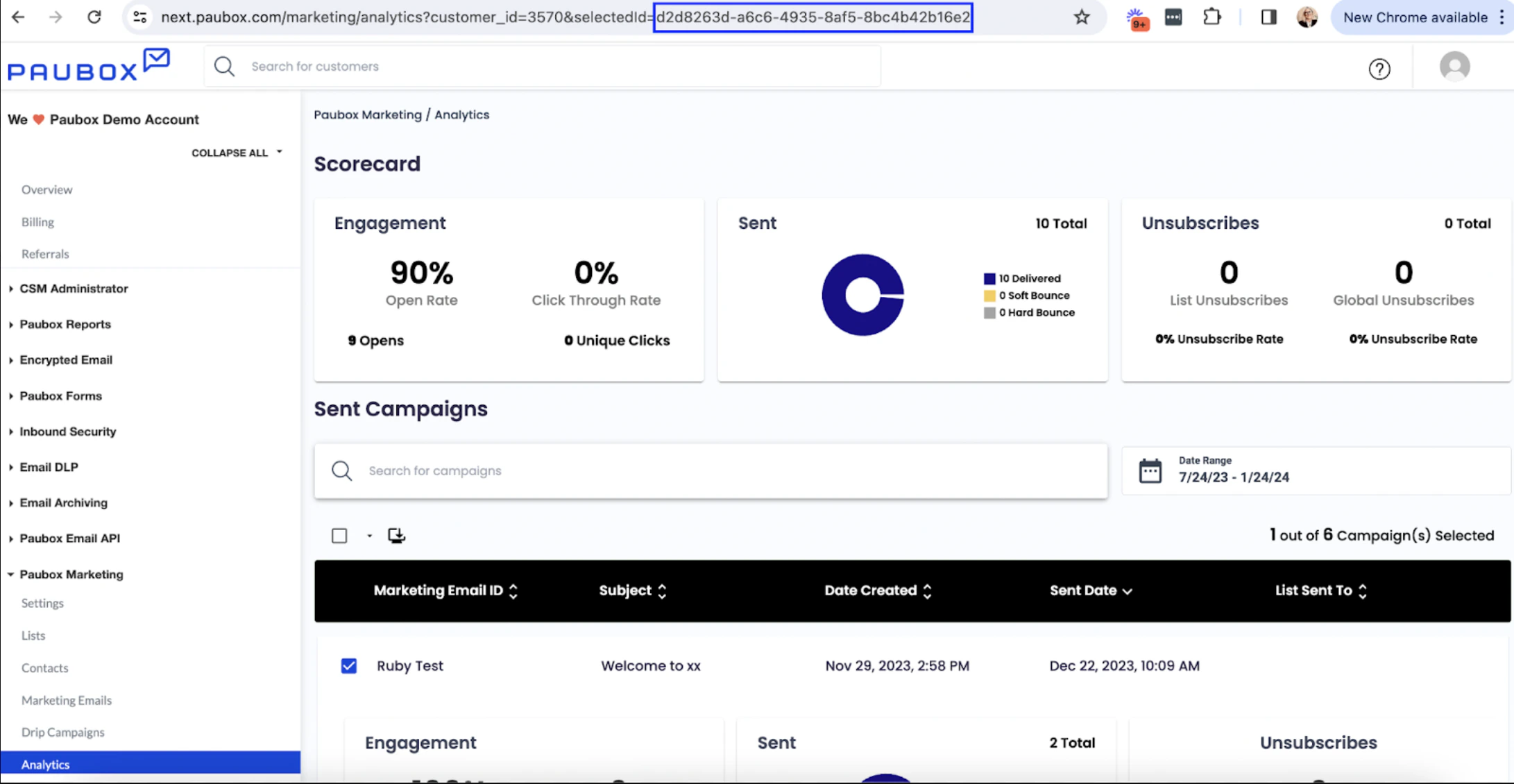
The campaign_mailing_send_id appears as the selectedId= value in the URL on the campaign analytics page.